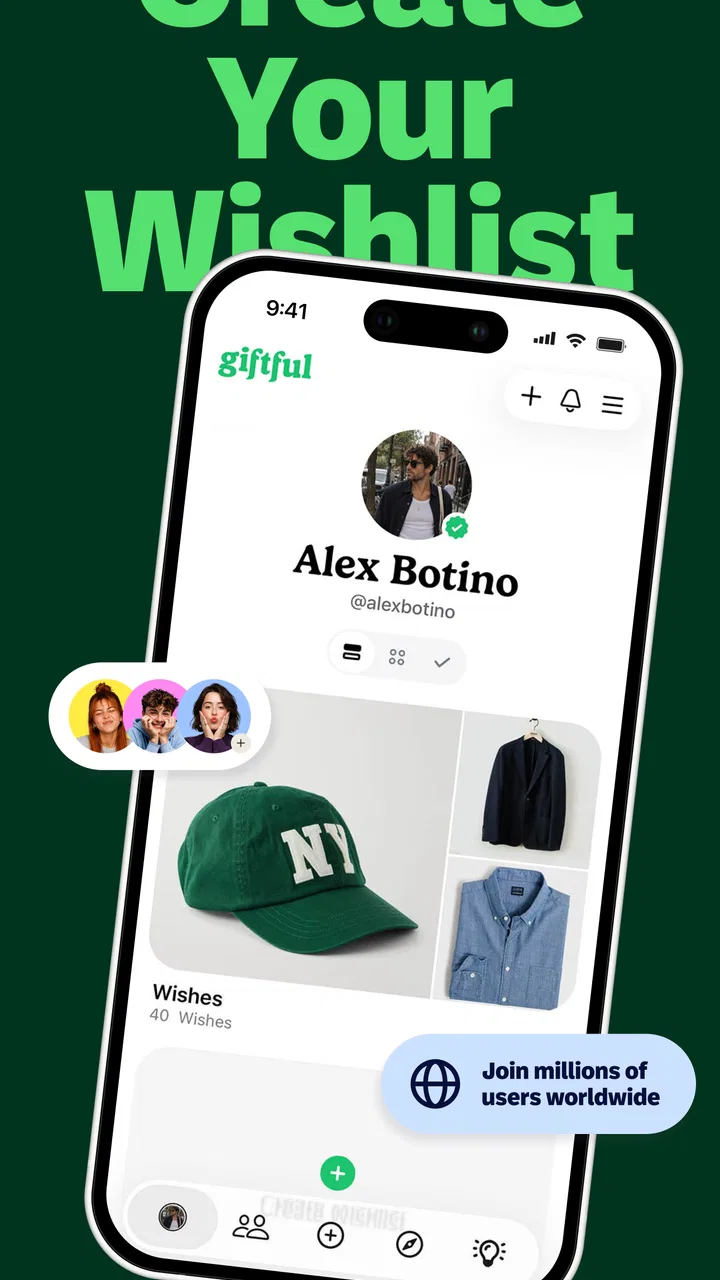
Giftful - Gift List & Wishlist
- 4.7
- Rating
- 100.00K
- Installs
- Free
- Price

 Analysis by App-foxy
Choosing gifts for a group sounds easy until everyone starts sending separate messages, product links, screenshots, and vague hints. I found Giftful useful because it turns that scattered planning into shared gift lists and wishlists that are easier to follow. It is a free shopping app from Giftful, aimed at people organizing birthday gifts, baby-related wishlists, and everyday present ideas.
My first impression is that it is less about browsing a giant marketplace and more about creating a clear place for gift ideas to live. That distinction matters. If you want an app to discover products, compare retailers, and complete every purchase inside one system, this may feel limited. If your real problem is knowing what someone actually wants, avoiding duplicate presents, and sharing suggestions without maintaining a messy chat thread, it makes much more sense.
The app has a 4.7 average from around 3.4 thousand ratings and has passed 100 thousand installs. Those figures suggest that the basic idea is resonating with a meaningful audience, but I would still judge it by your particular gift-planning habits. A wishlist is only helpful when the people around you are willing to use it, so the sharing experience is just as important as the list-making itself.
You May Also Like

 AccuWeather: Weather Radar
AccuWeather Review: A Quick, Clear Forecast for Everyday Decisions
For everyday plans, the best forecast is the one you can understand quickly. AccuWeather makes rain timing, radar, and local conditions easy to act on, with a few trade-offs.

 Hill Climb Racing
Why Hill Climb Racing Still Turns Crashes Into One More Run
A tiny car, a bumpy hill and one more upgrade: Hill Climb Racing keeps resurfacing because its simple chaos makes every near-miss feel personal.

 AliExpress - Shopping App
AliExpress Makes Global Shopping Feel Personal, but Shoppers Bear the Risk
AliExpress turns a global marketplace into a pocket-sized discovery engine. Its reach is useful, its shopping loop compelling, and its trade-offs easy to miss.

 Lords Mobile: Kingdom Wars
Lords Mobile Is a Kingdom-Building Routine, Not a Quick Match
A case-by-case verdict on the building, battles, device demands, and social commitments that make Lords Mobile rewarding for some players and exhausting for others.

 PDF Scanner app - TapScanner
TapScanner Makes Paperwork Easier to Capture, Check, and Share
TapScanner makes scanning with a phone feel less like a rescue operation and more like a dependable step in getting work done. Its capture tools are useful, though not flawless.

 Block Blast!
 Shows How Much a Puzzle Game Can Leave Out
A quiet grid game shows why puzzle players increasingly value instant clarity, repeatable skill and low-pressure play—and where the genre still needs to catch up.
More From Our News Desk
View All News


From installation to a useful shared list
I find that the first useful test of Giftful is not how many ideas you can add, but whether one other person can act on a list without needing a separate explanation. I’d start with a single upcoming occasion, make the choices clear, and share it with the people involved. That practical setup also makes it easier to judge where a shared wishlist helps—and where ordinary messages may still be simpler.
What to expect when you open it
Giftful is categorized as a shopping app, but I would approach it as a coordination tool rather than a conventional shopping destination. The useful outcome is not simply finding something to buy. It is building a list that another person can understand quickly, then sharing that list at the right moment.
The store summary presents it as a gift list maker and registry for shared wishlists, birthdays, and baby wishlists. In practical terms, that makes it relevant to several different situations. You might create a personal list before a birthday, prepare ideas for a new baby, or keep a running collection of things you would genuinely like instead of answering the same question every holiday.
I also like that this approach can reduce the social awkwardness around gift hints. Rather than sending a friend a blunt message saying exactly what to buy, you can maintain a list and let them choose. At the same time, you retain more control than you would by dropping random links into a group conversation.
The app is marked for a Teen audience, so it is not presented as a children-only tool. That feels appropriate because the main tasks involve planning, sharing, and shopping decisions. Parents, relatives, friends, couples, and groups of colleagues can all understand the basic purpose without needing a complicated explanation.
Setting up your first list
For a first-time user, I recommend starting with one specific occasion instead of trying to build a complete personal catalog immediately. A birthday list is a good test because it gives you a clear deadline and a natural group of people to share it with. A broad list titled “things I like” can become unfocused, while an occasion-based list gives every item a reason to be there.
As you add ideas, I would write descriptions that help the eventual gift buyer make a decision. A bare product name may be enough for you, but another person may need the preferred color, size, model, style, or the reason you chose it. The extra context is especially valuable when several versions of a product look similar.
One of the less obvious benefits of a dedicated list is that it encourages you to separate genuine wants from impulse browsing. Before adding an item, I would ask whether I would still be happy to receive it in a few weeks. That small pause makes the list more trustworthy and saves friends from sorting through ideas that no longer matter.
For a baby wishlist, I would take a different approach. Instead of collecting only attractive items, I would organize the list around practical gaps and preferences. A relative who wants to help may not know which type of item is useful, already owned, or unsuitable for your routine. Clear notes can prevent well-intentioned but redundant gifts.
Reaching the first successful action
The first meaningful success is not installing the app or adding a single item. It is sharing a focused list with someone who can use it without asking you to explain everything again. I would create a short occasion list, add several well-described ideas, review it as if I were the recipient, and then send it to the relevant people.
That review step is important. Look for duplicate ideas, unclear wording, and items that require too much interpretation. If your friend has to ask, “Which one do you mean?” the list has not done its job yet. A useful wishlist should reduce questions, not merely move them from a chat window into an app.
A realistic example would be a family preparing for a parent’s birthday. One person creates the list, adds a few specific suggestions, and shares it with the group. Instead of three relatives independently buying similar gifts, each person can choose an idea with a clearer understanding of the recipient’s preferences. The organizer also avoids copying the same links into several private conversations.
I would not wait until the last minute to create that list. Even though adding ideas can be quick, other people still need time to decide, purchase, and arrange delivery. The app can organize the information, but it cannot remove the ordinary delays involved in gift buying.
Where new users may get confused
The biggest possible misunderstanding is assuming that a wishlist automatically handles the entire purchase process. I see Giftful primarily as the place where intentions and suggestions are organized. You should still pay attention to where an item leads, whether the product is available, and whether the details match what you want.
Another point of friction is list maintenance. A wishlist can become outdated when prices, colors, sizes, or personal preferences change. If you leave old items in place, friends may treat the list as current when it is not. I would revisit an active list before sharing it for an important occasion and remove ideas that no longer represent a real preference.
There is also a social issue that no app can completely solve: not everyone will use a shared list in the same way. Some people prefer choosing a surprise, while others want precise guidance. Giftful works best when the group accepts the list as a helpful reference rather than a strict order form. I would include a mixture of specific items and flexible ideas when I wanted to preserve some room for personal choice.
Users accustomed to retailer wishlists may initially look for familiar shopping features. A retailer-specific list is convenient when nearly every item comes from one store and the purchase path is tightly connected to that store. Giftful is more appealing when your ideas are spread across different kinds of products or when the important thing is sharing preferences with people, not staying inside one retailer’s ecosystem.
Small habits that make the app work better
My first practical tip is to create separate lists for separate audiences. A personal list for close friends does not necessarily need the same tone or level of detail as a baby wishlist shared with relatives. Keeping the occasions distinct makes it easier to send the right information to the right people and prevents an old idea from appearing in an unrelated context.
My second tip is to add decision-making information, not just product information. Explain what makes an item appealing and mention the detail that matters most to you. This is more useful than filling a list with names that look obvious only because you already know what you mean.
My third tip is to use the list as a conversation starter rather than a final demand. If someone asks whether an item is still suitable, treat that as a chance to update the list. A short exchange can reveal a better size, a different color, or a more practical alternative before anyone spends money.
A fourth useful habit is to keep the list intentionally manageable. A huge collection may feel generous because it offers choice, but it can make the recipient’s decision harder. A smaller set of considered ideas often works better than a long stream of possibilities. I would rather share fewer items that I can explain than dozens of links I have already forgotten.
Who will appreciate it most
Giftful is a strong fit for people who regularly coordinate presents with family or friends. It is also useful for anyone who dislikes repeating the same preferences in messages, especially when birthdays or seasonal celebrations involve several people. Parents preparing a baby wishlist may value the ability to gather practical ideas in one place and communicate them more clearly.
It can also help the person in a group who normally becomes the unofficial organizer. Instead of collecting everyone’s suggestions, forwarding links, and answering the same questions, that person can establish a shared reference point. The benefit is not flashy; it is the gradual reduction of small organizational tasks that otherwise consume a surprising amount of time.
I would be more cautious about recommending it to someone who wants a fully managed shopping service. If your priority is automatic price tracking, deep retailer integration, or completing purchases without leaving a single store environment, a retailer’s own wishlist may be a better match. Giftful’s value is strongest when sharing and organization matter more than a tightly controlled checkout journey.
It may also be unnecessary for a person who buys gifts spontaneously and rarely needs input from others. In that case, creating and maintaining a list could add a step to a process that already works. The app earns its place when gift planning involves uncertainty, multiple people, or repeated occasions.
How it compares with ordinary alternatives
The most common alternative is a group chat. Chats are fast and familiar, but gift ideas disappear beneath unrelated messages, and old links are difficult to review. Giftful gives those ideas a more deliberate home. The trade-off is that everyone needs to pay attention to the shared list rather than relying on the communication habits they already have.
Notes apps are another alternative. They are flexible and easy to edit, but they are usually designed for the person who owns the note, not for a group making gift decisions. A dedicated wishlist app communicates the purpose more clearly and makes the list feel like something intended to be shared.
Retailer wishlists can be excellent when all your preferences come from one shop. They may offer a smoother path from saved item to purchase, but they are less convenient for a mixed collection of ideas from different sources. Giftful sits between a private note and a store-specific list: it emphasizes the relationship between the list owner and the people choosing gifts.
That middle position is both its strength and its limitation. It is broad enough for general gift planning, but it may not satisfy users seeking the specialized tools of a large commerce platform. I would choose it when the human coordination problem comes first.
What to check before relying on it
Before I shared an important list, I would check every item from the perspective of a person receiving it for the first time. Is the description clear? Does the list title explain the occasion? Are there notes that prevent a wrong size or style? These checks are simple, but they determine whether the app actually saves effort.
I would also decide how much flexibility to leave. A list filled only with exact products can make gift selection efficient but less personal. A list filled only with broad categories can preserve surprise but create uncertainty. The best balance depends on the recipient and the group, so I would mix precise requests with a few suggestions that leave room for interpretation.
Because this is a sharing-focused tool, I would be thoughtful about who receives each list. A birthday wishlist and a baby wishlist may involve different people, budgets, and expectations. Keeping the audience appropriate is part of using the app well, not an afterthought.
The current version is 2.38.1, and the app supports Android 7.0 or later. That makes it accessible to people using older compatible Android devices, although I would still keep the app updated when updates are available so that the experience remains consistent with the current release.
My recommendation after using it
I came away viewing Giftful as a practical answer to a very specific annoyance: gift ideas are easy to mention but difficult to organize. The app does not need to replace every shopping tool to be useful. Its job is to make preferences visible, shareable, and easier for other people to act on.
The best results come from a little preparation. Start with one occasion, add ideas you genuinely want, include the details that prevent mistakes, and share the list before the gift deadline becomes urgent. Then revisit it when your preferences change. Those habits matter more than simply installing the app.
Giftful is free, which makes it easy to try without turning the decision into a financial commitment. I would recommend it to families, friends, and parents who repeatedly coordinate gifts and want something more reliable than scattered messages. I would skip it if you need a retailer-centered shopping system or if you rarely share gift preferences at all.
For a first-time user, the path is reassuringly straightforward: create one focused list, make each idea understandable, share it with the right people, and keep it current. When that simple workflow matches your situation, the app’s real strength is reducing uncertainty between the person who wants a gift and the person trying to choose one.
Overall, I think Giftful is worth trying for organized, shared gift planning. It is not a replacement for judgment, communication, or checking the details of a purchase, but it gives those decisions a cleaner place to happen. That is a modest purpose, yet in a busy family or friend group, it can make the difference between thoughtful coordination and another confusing chain of messages.
FAQs for Giftful - Gift List & Wishlist
01What is Giftful - Gift List & Wishlist used for?
Giftful is designed to help you create, organize, and share gift lists and wishlists for birthdays, holidays, weddings, baby showers, and other occasions. You can add products from different stores, keep ideas in one convenient place, and send your list to friends or family. It is especially useful when you want to avoid receiving duplicate gifts or repeatedly answering questions about what you would like.
02Can I add gifts from different online stores to one Giftful wishlist?
Yes, Giftful is intended to bring gift ideas from multiple retailers into a single list. Depending on the product and store, you may be able to add an item using its link or through the app’s shopping and sharing features. Availability and product details can vary, so it is worth checking that the title, image, price, and purchase link are correct after adding an item to your wishlist.
03Can I share my Giftful list with friends and family?
Giftful lets you share your gift lists so other people can view your wishes without needing to search through several shopping websites. You can typically share a list through a link or supported messaging and social apps. Before sending it, review the list’s visibility and privacy settings, particularly if it contains personal information or is intended only for a specific group of people.
04Does Giftful reserve gifts or prevent duplicate purchases?
A major benefit of a shared wishlist is that guests may be able to mark an item as purchased or claimed, helping reduce the chance that two people buy the same gift. However, the exact behavior can depend on the list settings, the sharing method, and whether everyone uses the same list correctly. A reservation feature should not always be treated as a real-time guarantee from the retailer.
05Is Giftful free to download, and does it sell the gifts directly?
Giftful may be available to download at no cost, but users should check the current App Store or Google Play listing for possible premium features, subscriptions, or in-app purchases. The app generally functions as a wishlist and gift-planning tool rather than the store that fulfills every order. When you select an item, purchasing may take place on the retailer’s website, where shipping, payment, returns, and availability are handled.
Pros
- Simple way to create and organize gift ideas in one place.
- Shareable lists make it easier for friends and family to choose gifts.
- Useful for birthdays
- holidays
- weddings
- and other special occasions.
- Helps avoid duplicate gifts when several people shop from the same list.
- Clean interface makes browsing and saving gift ideas straightforward.
Cons
- Some product links or prices may become outdated over time.
- The usefulness of lists depends on friends and family using the app.
- Limited availability of certain products may vary by country or retailer.
- Some users may prefer a private notes app for highly personal gift ideas.
- Notifications and sharing features may require careful privacy settings.

Giftful - Gift List & Wishlist
Gallery